Pull random facts about me, from common to legendary.
The Idea
Making an about page feel less like an about page.
The fact machine was inspired by Old School RuneScape drop tables. When you kill a monster in OSRS, the drop table is "rolled," which can yield a reward or nothing at all. Dry streaks are part of the game, but on a portfolio they just feel broken, so every pull here is guaranteed to give you a fact.
Experiment with the odds in the tables below.
Grotesque Guardians
Drop table (simplified)
ItemRarity
Collected
Rune pickaxe1/11.83
0
Rune full helm1/14.2
0
Dragon longsword1/71
0
Dragon med helm1/71
0
Noon (pet)1/3,000
0
Fact Machine
Drop table
FactRarity
Collected
Common1/2.1
0
Uncommon1/4
0
Rare1/6.3
0
Ultra Rare1/10
0
Legendary1/100
0
The Facts
Stocking the machine with facts worth pulling
Sonnet helped me brainstorm the facts, then build a throwaway tool to organize them. The fact sorter let me write each fact, assign a rarity, and check the count and word length so the set stayed consistent. All in one place.
Try the fact sorter below.
Fact sorter · HTML
Where Figma Fits
Figma as a scratchpad
Figma gave me room to think about what I was building. As a personal working file, early iterations, references, and half-formed ideas all lived together in chaotic harmony. The decisions about motion, timing, and exact feel got made in the browser.
Pan and zoom around one page of the file below.
Portfolio 2024/2026
Tuning in the Browser
Visually dialing in the details
Once the general structure felt right, I had agents add disposable tuning panels to adjust exact position, size, style, and timing. The handoff was just sending the exact values back to the agent. Then the tool had done its job, and we got rid of it.
Switch between the button and the modal below.
Fact machine · button
Wash
Gradient veil over the fill. Each stop has its own color, opacity, and position.
Wash color#00ff00
Angle0°
Direction of the wash on the pill
Stop 1#00ff00 · 10% · 0%
Stop 1 color#00ff00
Opacity10%
How solid this stop is. 0% is fully transparent.
At0%
Position along the gradient
Stop 2#00ff00 · 0% · 100%
Stop 2 color#00ff00
Opacity0%
How solid this stop is. 0% is fully transparent.
At100%
Position along the gradient
Wash opacity25%
Overall strength of the veil
Glow
HaloOn
Wide marching glow around the pill
StrokeOn
Outline around the pill, same marching colors as the halo
ColorsCustom
Theme uses lime, forest, and gold tokens. Custom unlocks all three stops.
Glow A#00ff00
Glow A opacity80%
How solid this stop is in the marching gradient.
Glow B#93ff8b
Glow B opacity10%
How solid this stop is in the marching gradient.
Glow C#d6ffd1
Glow C opacity10%
How solid this stop is in the marching gradient.
Angle90°
Direction of the marching gradient
Duration20000ms
How long one march around the loop takes
Halo amount80%
Opacity of the wide glow
Hover glow A60%
Green stop on hover — keep a traveling highlight
Hover glow B40%
Soft lime trail that keeps the march visible
Hover glow C40%
Faint mint so the rest of the ring stays light
Hover halo amount80%
Wide glow strength while hovered
Stroke amount100%
Opacity of the outline
Halo blur64px
CSS blur on the wide glow
Stroke blur0px
CSS blur on the outline
Stroke width1px
Thickness of the outline
Stroke outset4px
Gap between the pill and the outline
Room120px
Extra space so the glow isn’t clipped
Shadow
Soft black drop shadow under the pill
Size48px
How far the shadow spreads
Opacity0%
How dark the shadow is
Inner shadow
Lime inset on the pill, only while hovered
Color#00ff00
Blur32px
CSS blur on the inset shadow
Spread2px
How thick the hard edge of the inset is
Opacity24%
Strength of the inset on hover
Coin
Hover spin on the pill. Mouse-off still finishes the current turn.
Spin500ms
How long one full revolution takes while hovered
Ease in800ms
How long the spin takes to get up to speed
Ease out800ms
How long the spin takes to wind down after mouse-off
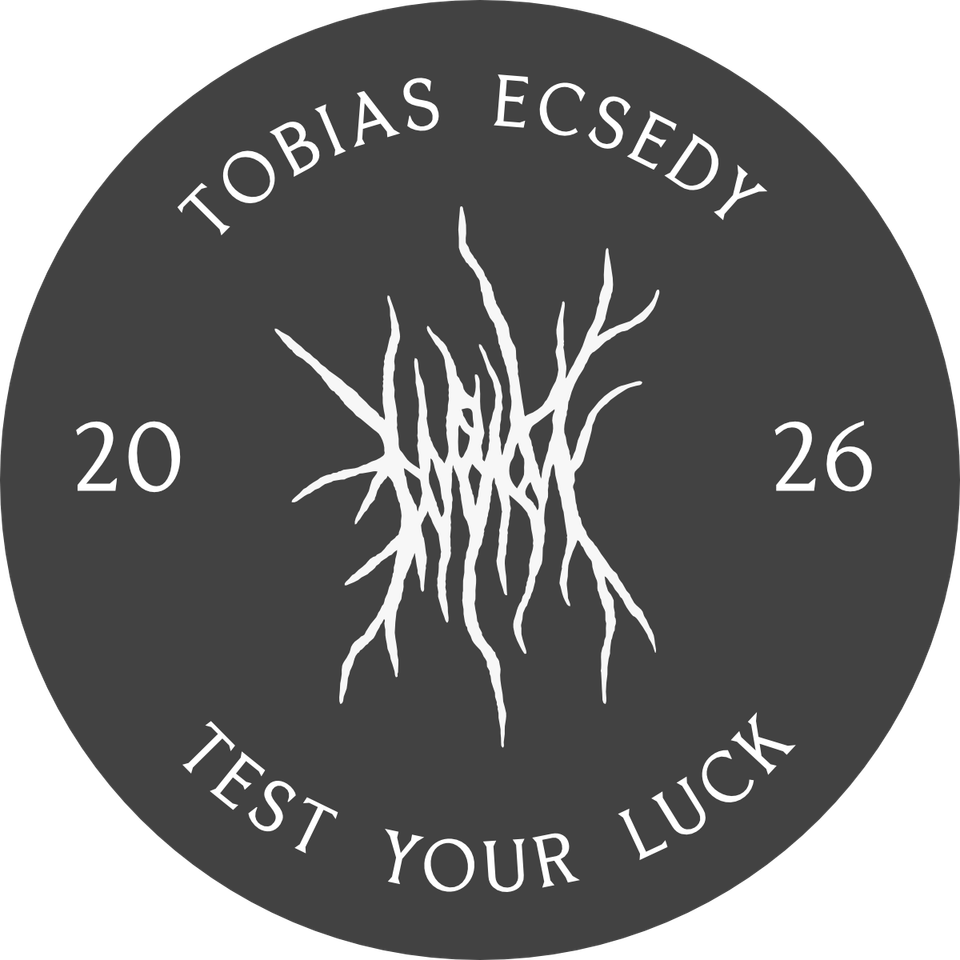
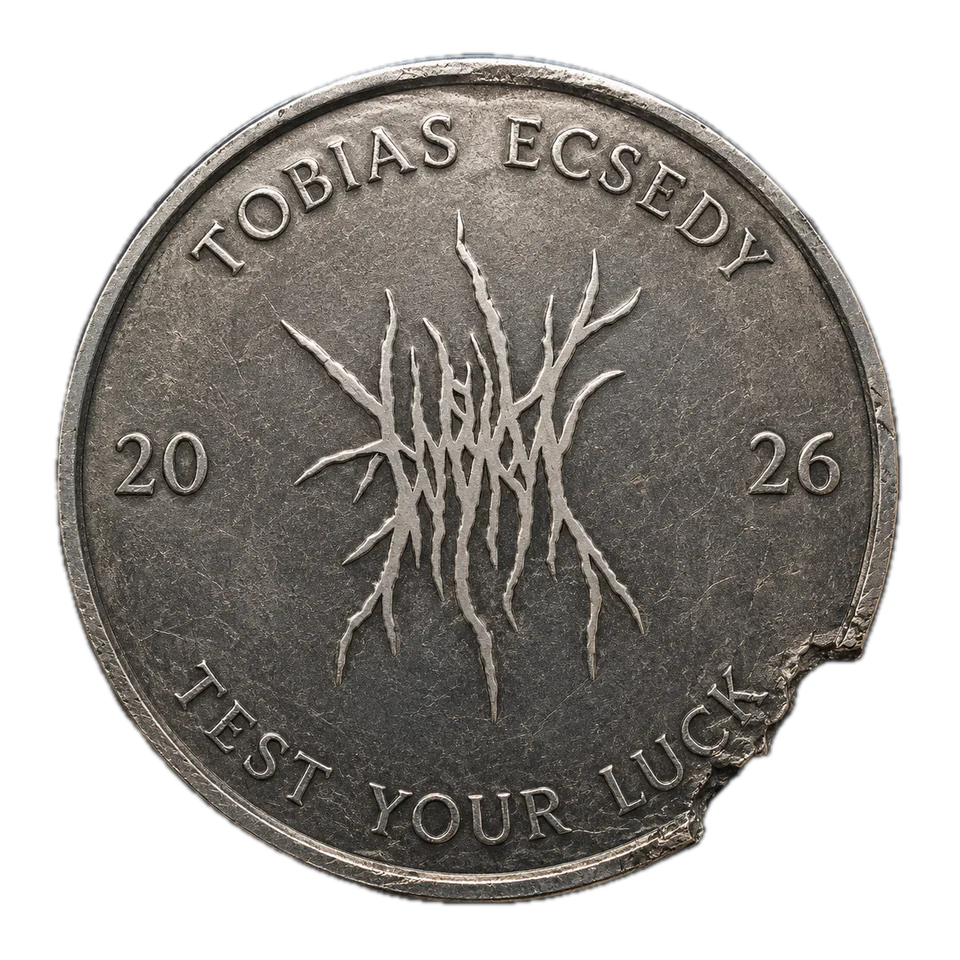
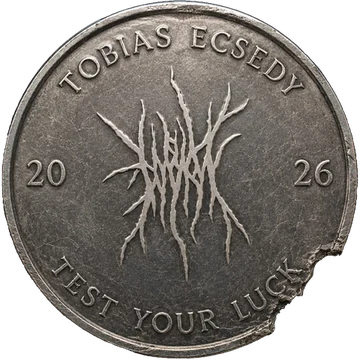
01The coin started as a simple mockup in Affinity.02Many iterations with ChatGPT gave it a lifelike, roughed-up look.03The first version was a flat image faking the spin, small enough on screen that it passed muster.04Wanting to take it a step further, I went back to ChatGPT for a back face and combined everything to build the final 3D coin in WebGL.
Drag coins 3 and 4 to spin them.
01
02
03
04
Wrapping Up
A small piece of a larger build
The Fact Machine is one piece of my portfolio. The whole site came together with similar processes: ideas worked out in Figma, details tuned in the browser, and throwaway tools made whenever I needed them. With AI coding, ideas I once left on the canvas now get built.


 Rune pickaxe1/11.83
 Rune full helm1/14.2
 Dragon longsword1/71
 Dragon med helm1/71
 Noon (pet)1/3,000